Getting Started
The Table block allows you to organize content into rows and columns, making it easier to present structured data such as schedules or comparisons.
You can find demos and usage guidance for this block on the official website.
Accessibility Best Practice
Use tables only for data (not layout), include clear header rows, and keep tables simple for easier navigation by screen readers.
Table Examples
Standard Table
The MTSU WordPress instance offers two types of tables. The default works like any standard table and offers the ability to include a heading column.
| Column 1 | Column 1 |
|---|---|
| data | data |
| data | data |
Sortable Table
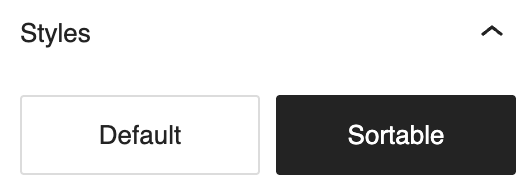
A sortable table option is also available. This can be accessed by adding a table then following the below instructions:
- Open the Settings section for the block by clicking the table then the Settings icon

- Click Block
- Click the Styles icon

- Select Sortable
| Column 1 | Column 1 |
|---|---|
| Data | Data |
| Data | Data |