Getting Started
The Image Content Card block displays a card-style layout featuring an image at the top, followed by a heading, supporting text, an optional list, and a call-to-action button. It is useful for highlighting featured content, promoting key pages, or presenting information in a visually structured and engaging way.
Accessibility Best Practice
Ensure the image includes descriptive alt text, headings are used in the correct order, and button text clearly describes the action. Lists and text should remain readable, and the card layout should maintain a logical reading order for screen reader users.
Image Cards Examples
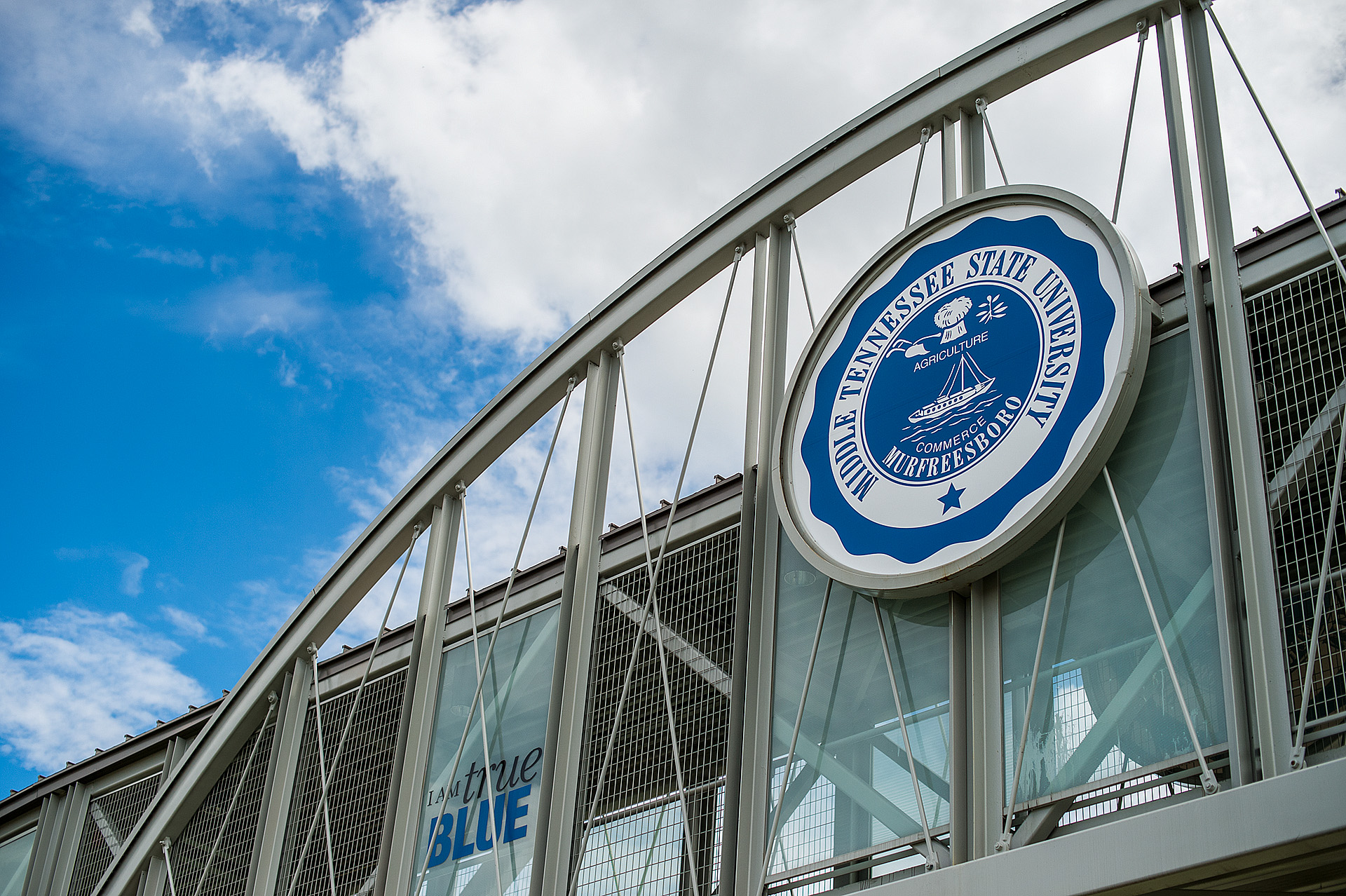
Card Title
sfdasdfsfsdafdsafsdfsdfsdfasdfdsfsd
- List item 1
- List item 2

Here’s some text