SSB
Finance
The Finance portion of SSB9 went live on Monday, September 15, 2025. Users do not have to do anything new on their end for these changes to reflect, the links in Pipeline are automatically updated.
The PipelineMT menu for Finance users can be seen below. These links are updated from the current Finance menu slightly. Clicking on any of these links will take you to the new SSB9 pages automatically, which will open the SSB9 Finance page in a new tab, or take you to external related links.

In SSB9, the main menu for Finance will instead only have options for creating queries and viewing documents.

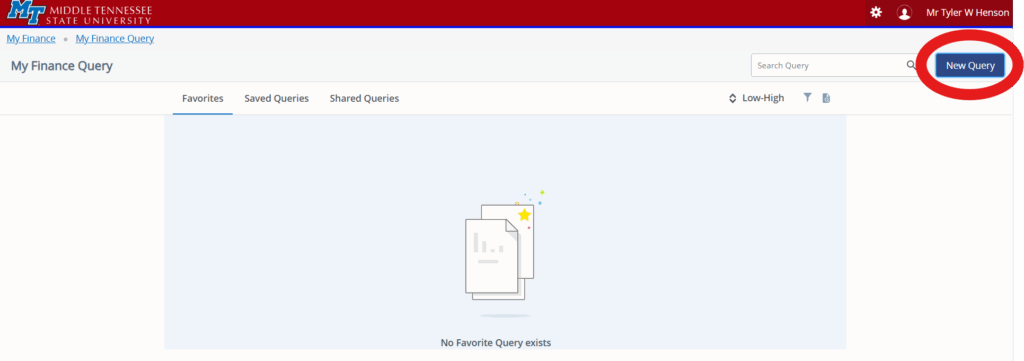
In the query section, you can create a new query by clicking the button on the top right of the screen. You can also look for saved and shared queries, and if you have favorites they will appear first so you can find them easily.
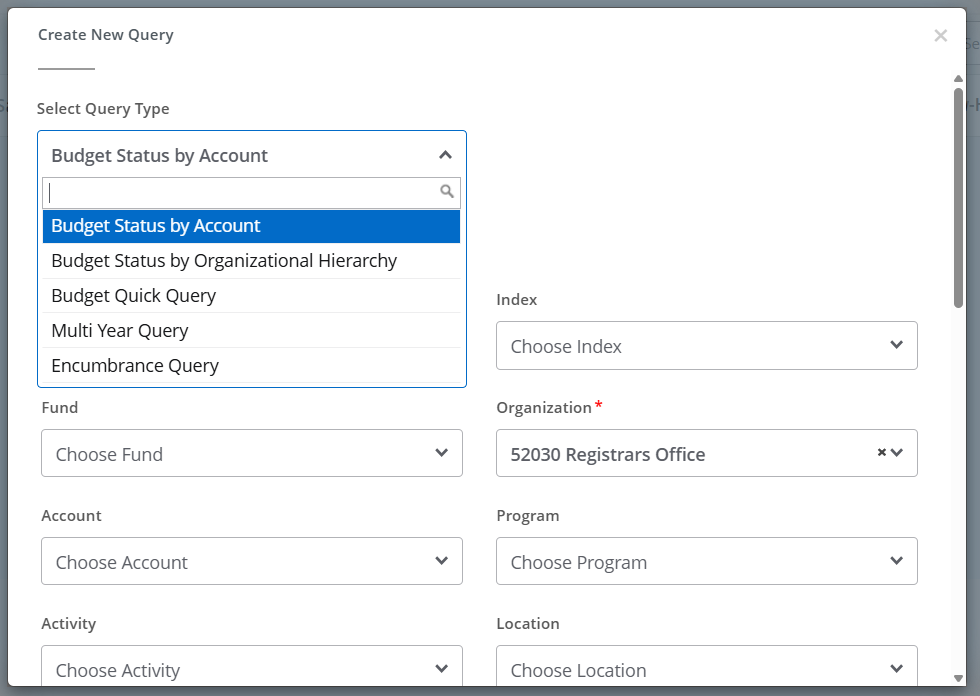
There are several different types of queries that can be built, using the same information you typically use. Once all information has been entered, you’ll submit the query and receive results.
After your query runs, you can choose to edit, share, save, or download your query at the top of the screen:

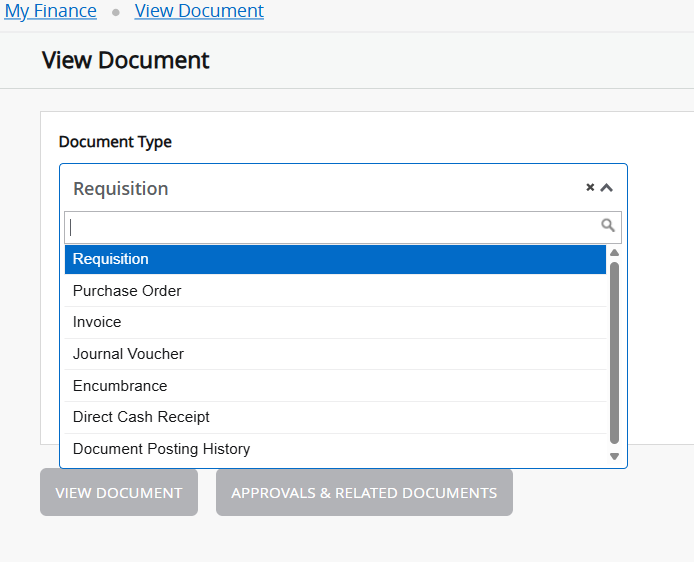
Under the Documents page, you are able to view a variety of document types or search by the document number directly.
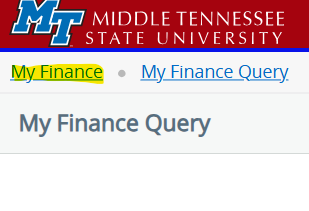
To get back to the main menu, click on “My Finance” at the top left corner. This will not take you back to Pipeline, just to the Finance menu. Pipeline should be open in a different tab unless you have closed it.