SSB
Registration
The Registration portion of Pipeline will change as part of the upgrade to SSB9. See below for resources on how to Look Up Classes, Register for Classes, and other Registration functions in the new system. The anticipated go-live date for this is February 2026.
The new registration features in PipelineMT will look quite a bit different, but the menu in Pipeline will look the same. Students can navigate to registration by clicking either the relevant icons or links in the menu. One change that is already in place is the link “Add or Drop Classes” has been changed to “Register for Classes” in both the menu and icons.
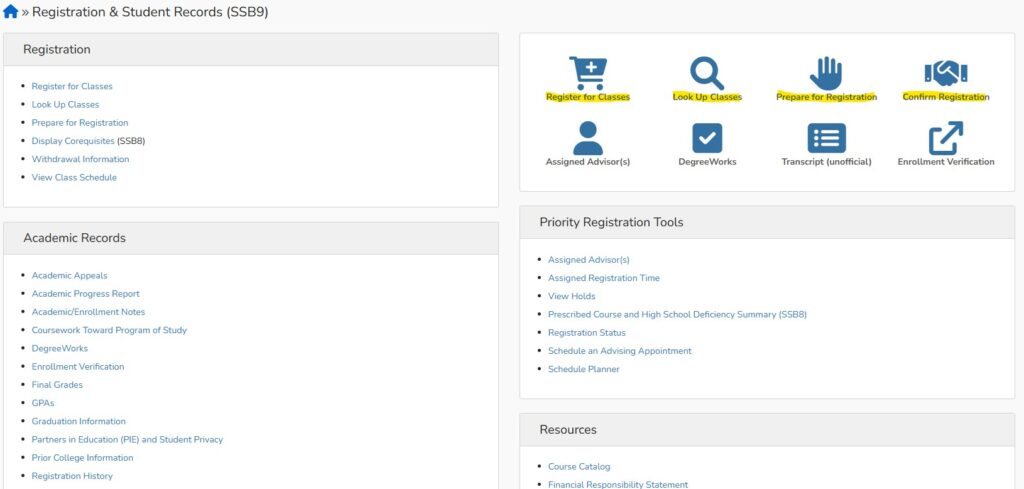
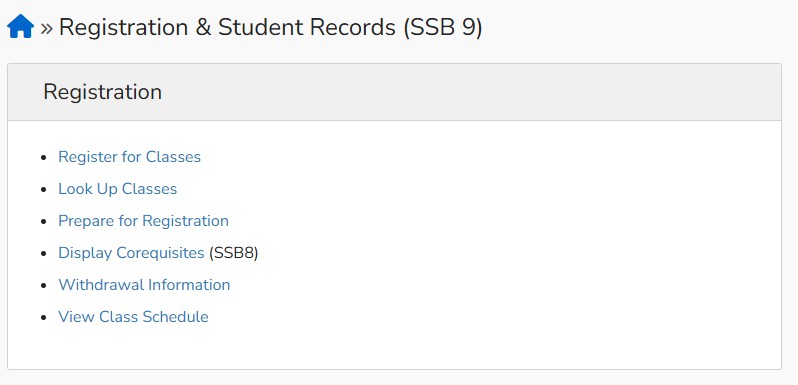
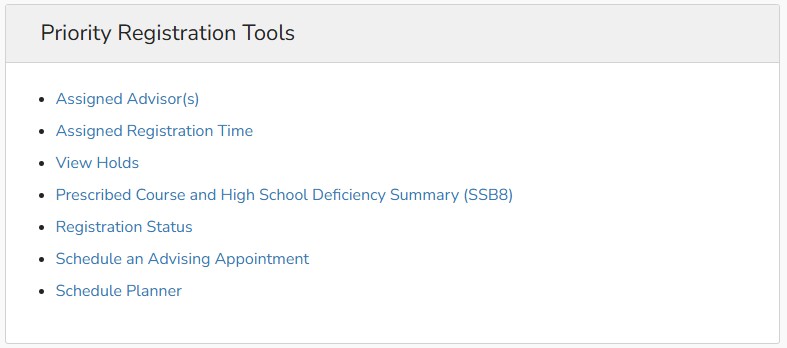
The links below will take you to instructions on the most common registration tasks. Most links will take you to a new tab or window when you click on them so that you can get back to PipelineMT easily. Otherwise the new tab will take you out of PipelineMT and into a registration module.
SSB9 Quick Reference Guides
Employee Guide
Financial Aid Guide