Getting Started with Your Proctored Activity using ProctorU
Important Points to remember:
- You will not see your exam in ProctorU until the exam opens.
- You should be able to see the dates of the exam by selecting the Quiz button in the top Nav Bar and reviewing the quiz tool list.
- You do not need to schedule a time to take your proctored activity.
- You select the ProctorU button in the top Nav Bar, in the time frame your instructor has set for the activity.
- Do not go to the ProctorU website to take your proctored activity.
- All proctored activities are accessed through D2L.
Accessing your Proctored activity through D2L and ProctorU
1. Login to the course you are taking the proctored Activity inside.
2. Select the ProctorU icon in the Navbar.

3. D2L will connect to ProctorU

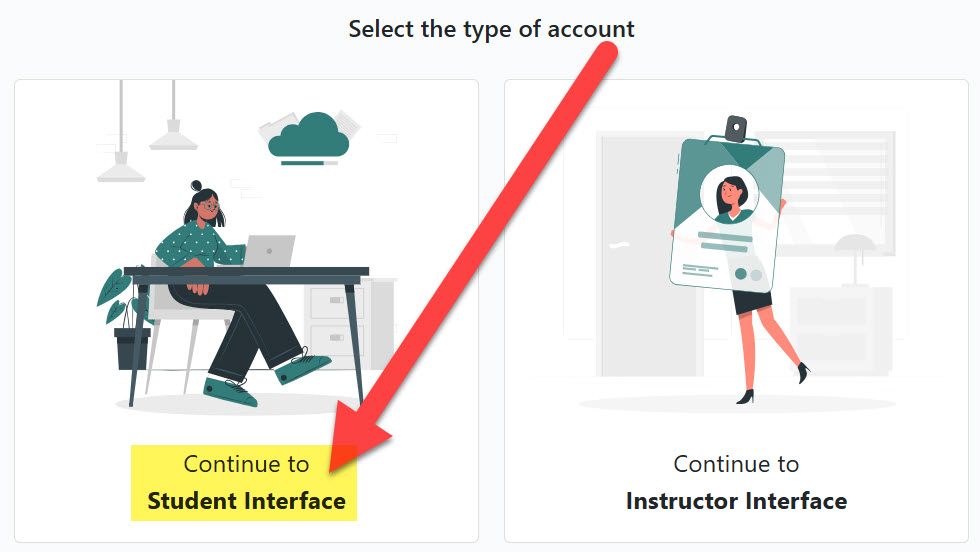
4. Select the type of account.
5. Under Record+ Exams you will see a list of proctored activities under Active Exams.

6. Choose the proctored activity you are completing. Select Start Session.
7. You will be asked to download the guardian browser and follow the instructions.
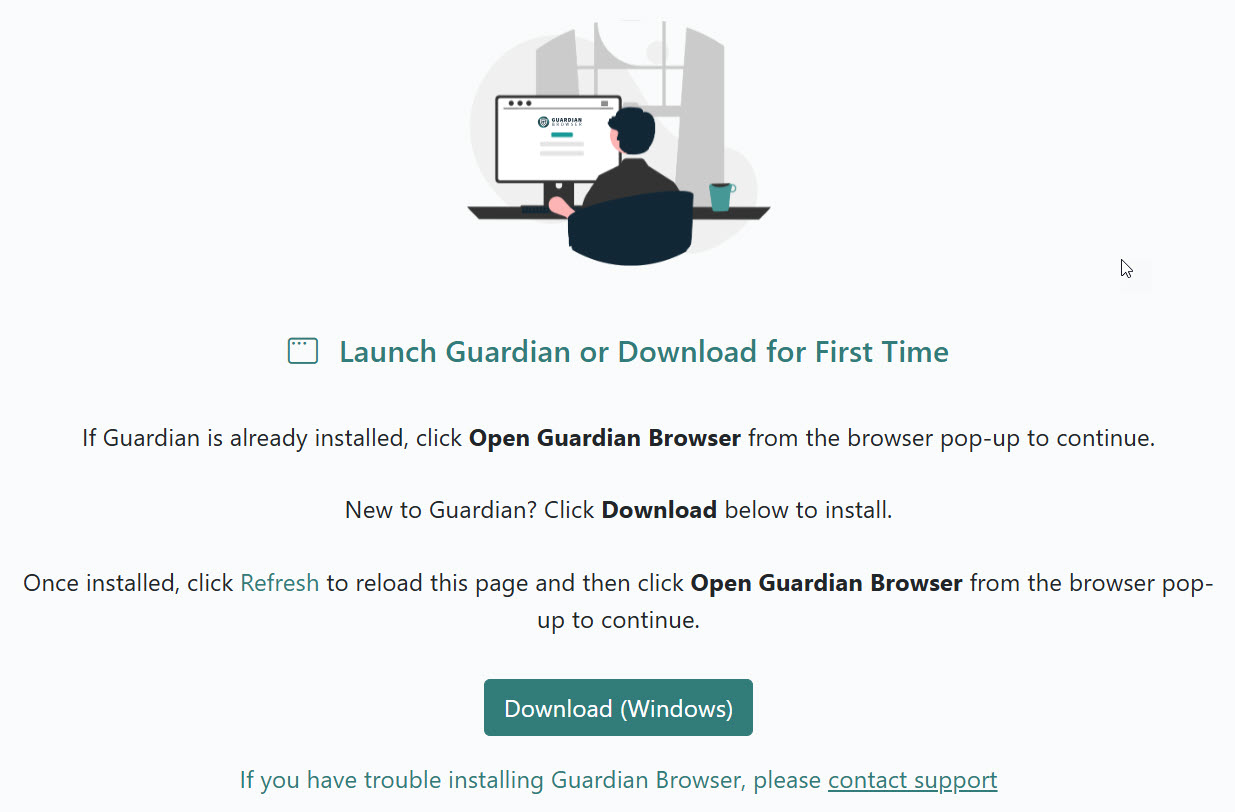
8. The Guardian browser should open, and you can begin taking your proctored activity.
Points to remember:
- Scheduling
MTSU uses the Record+ option. (There is No Cost to students!) You do not need to schedule a time to take your proctored activity. You must take the exam in the time frame your instructor has set for the activity. - Test Your Equipment to make sure your hardware is compatible with ProctorU.
- Find an Acceptable Space to Take Your Exam
The environment needs to be quiet, well-lit, and away from other people. The workspace area needs to be free of all materials other than Materials Allowed During Your Exam. Using a hard surface for a workspace is required; beds or couches are not permitted. - Become Familiar with Materials Required for Your Exam
Review your course syllabus and review the List of Required Materials you will need to begin your exam. The linked article also provides guidance for determining whether you will be permitted any outside resources during your exam. - Coordinate Accommodations with Your Instructor or Exam Facilitator
If you require any special accommodations such as additional time, additional breaks, etc., contact your instructor immediately and you’ll need to Follow these Guidelines prior to your exam day.
For Immediate Assistance use this link
- If you need immediate assistance, the fastest way to get help is to use our Live Chat feature within your ProctorU Account. Log In To ProctorU
- If you don’t have access to your ProctorU Account, you can still contact our support chat 24/7.
Contact Our Live Chat Support Here
For 24/7 Phone Support – United States and Canada – 1 (855) 772-8678